WordPress Import and Content Automation Comparison
Ingestics vs WP All Import
A practical comparison for WordPress teams choosing between structured file imports and ongoing API + RSS automation.
Important context before comparing: Ingestics is not simply another RSS plugin, importer, or API display tool. A direct one-to-one comparison is difficult because most WordPress plugins in this space specialize in one lane: RSS feeds, structured imports, AI autoblogging, API display, or ecommerce/catalog workflows.
Ingestics brings API and RSS automation into one workflow. It supports RSS feeds and authenticated REST APIs using API key, Bearer, Basic, and OAuth2 options by tier. You can map fields, prevent duplicates, retain source attribution, and schedule jobs. Higher tiers add webhooks, frontend layouts, AI, and translation. The comparison below therefore focuses on matching capabilities, while recognizing that Ingestics is designed as an end-to-end external-content pipeline for WordPress.
If you are comparing Ingestics with WP All Import, you are comparing two strong WordPress tools that solve different parts of the external-content problem.
WP All Import is a respected import, export, migration, and bulk-edit product for WordPress and WooCommerce. Its public materials focus on importing XML, CSV, Excel, and Google Sheets files into posts, pages, users, taxonomies, WooCommerce products, ACF fields, Meta Box fields, JetEngine fields, Gravity Forms entries, custom fields, images, galleries, and other theme or plugin data.
Ingestics is built for a different workflow: ongoing API + RSS automation. Ingestics helps WordPress teams fetch from REST APIs and RSS or Atom feeds. They can preview responses, map fields, apply quality controls, and publish native WordPress content with source attribution. Higher tiers add activity logs, scheduling, webhooks, and frontend display options.
Quick answer: WP All Import does the job of importing or updating structured file such as CSV, XML, Excel, or Google Sheets data, especially for WooCommerce, ACF, custom fields, taxonomies, users, migrations, or bulk edits. Choose Ingestics if your WordPress site needs a live external-content workflow for REST APIs and RSS feeds with provider setup, previews, mapping, source attribution, logs, scheduling, webhooks, and frontend display.
What is the high-level difference?
WP All Import is import-first. It is built around taking structured files or file URLs and mapping their rows, columns, nodes, or elements into WordPress. That makes it excellent for migrations, catalog imports, spreadsheets, product updates, directory data, users, taxonomies, and custom field-heavy WordPress projects.
Ingestics is automation-first. It is built around configured API and RSS providers that can be fetched, previewed, mapped, filtered, published, logged, scheduled, and displayed from inside WordPress. That makes it stronger when the site is not doing a one-time import, but running an ongoing content operation.
So the real question is not “which plugin imports data?” Both can help bring outside information into WordPress. The better question is: are you importing files, or are you operating an API/RSS publishing pipeline?
How do Ingestics and WP All Import compare at a glance?
| Comparison Point | Ingestics | WP All Import |
|---|---|---|
| Core positioning | API + RSS automation and publishing workflow for WordPress. | XML, CSV, Excel, Google Sheets import/export, migration, and bulk-edit workflow for WordPress and WooCommerce. |
| Best fit | Teams that want ongoing external-content automation from APIs and RSS feeds with previews, mapping, logs, source attribution, schedules, and display options. | Teams importing, migrating, updating, or bulk-editing structured file data into WordPress, WooCommerce, ACF, custom fields, taxonomies, or users. |
| REST API workflow | Yes. REST API providers, HTTP methods, authentication, custom headers/body, request/response previews, mapping, retry/rate-limit handling, and publishing controls. | Reviewed materials position it around file imports rather than a focused REST API request builder. |
| RSS / Atom workflows | Yes. RSS/Atom providers, preview, manual fetch, scheduling by tier, source attribution, and optional full-text extraction. | Can import XML-style sources and files from URLs, but it is not positioned as a dedicated RSS provider-management and frontend feed automation plugin. |
| Input formats | JSON, XML, RSS, CSV, HTML, text, and Google Sheets CSV URLs. | XML, CSV, Excel, Google Sheets, file URLs, FTP/downloaded files, and structured import files. |
| Mapping experience | Provider-level mapping for API/RSS workflows, including JSON path and XML/CSV field mapping support. | Mapping from file elements/columns into WordPress fields, custom fields, taxonomies, images, and plugin/theme fields. |
| Recurring updates | Scheduling by tier for API and RSS providers, with Business supporting independent schedules and richer automation. | Scheduling service and manual cron options for recurring imports from source files/URLs. |
| Preview before running | API and RSS preview panels show request/response results before publishing. | preview can show how mapped records would appear in the WordPress admin and frontend. |
| Frontend display | Shortcodes, template tags, Gutenberg block, grid, carousel, ticker, and page-builder options by tier. | Primarily creates or updates WordPress records; frontend display depends on theme, post type or site templates. |
| Buyer experience | Best when the buyer wants one WordPress plugin for API/RSS ingestion, publishing, logging, and display. | Best when the buyer wants a import/export engine for structured files and WordPress data migration. |
What does WP All Import do well?
When a site owner has a CSV, XML, Excel file, Google Sheet, exported dataset, supplier catalog, user list, listing feed, migration file that needs to become WordPress content.
For migrations, catalog loads, bulk edits, product updates, custom-field imports, and spreadsheet-led WordPress projects, WP All Import is an useful product.
Where does Ingestics stand apart?
Ingestics stands apart when the source is not just a file, but an ongoing external content operation. Many modern WordPress sites need to connect to live APIs, RSS feeds, publisher feeds, partner endpoints, public data endpoints, and structured web data that changes continuously.
For that workflow, Ingestics gives teams a provider-based model. You configure API and RSS providers, set authentication, preview responses, map fields, protect quality, publish native WordPress content, keep source attribution intact, review activity logs, schedule runs by tier, and display the output through frontend options.
That makes Ingestics especially attractive for dynamic publishing scenarios: weather updates, sports scores, market rates, crypto data, job listings, real estate records, event data, travel data, partner feeds, news feeds, directory updates, product APIs, and other external-content pipelines.
In simple terms, WP All Import is excellent when the project starts with a file. Ingestics is better when the project starts with an API endpoint, an RSS feed, or a recurring external-content workflow.
How do the features compare?
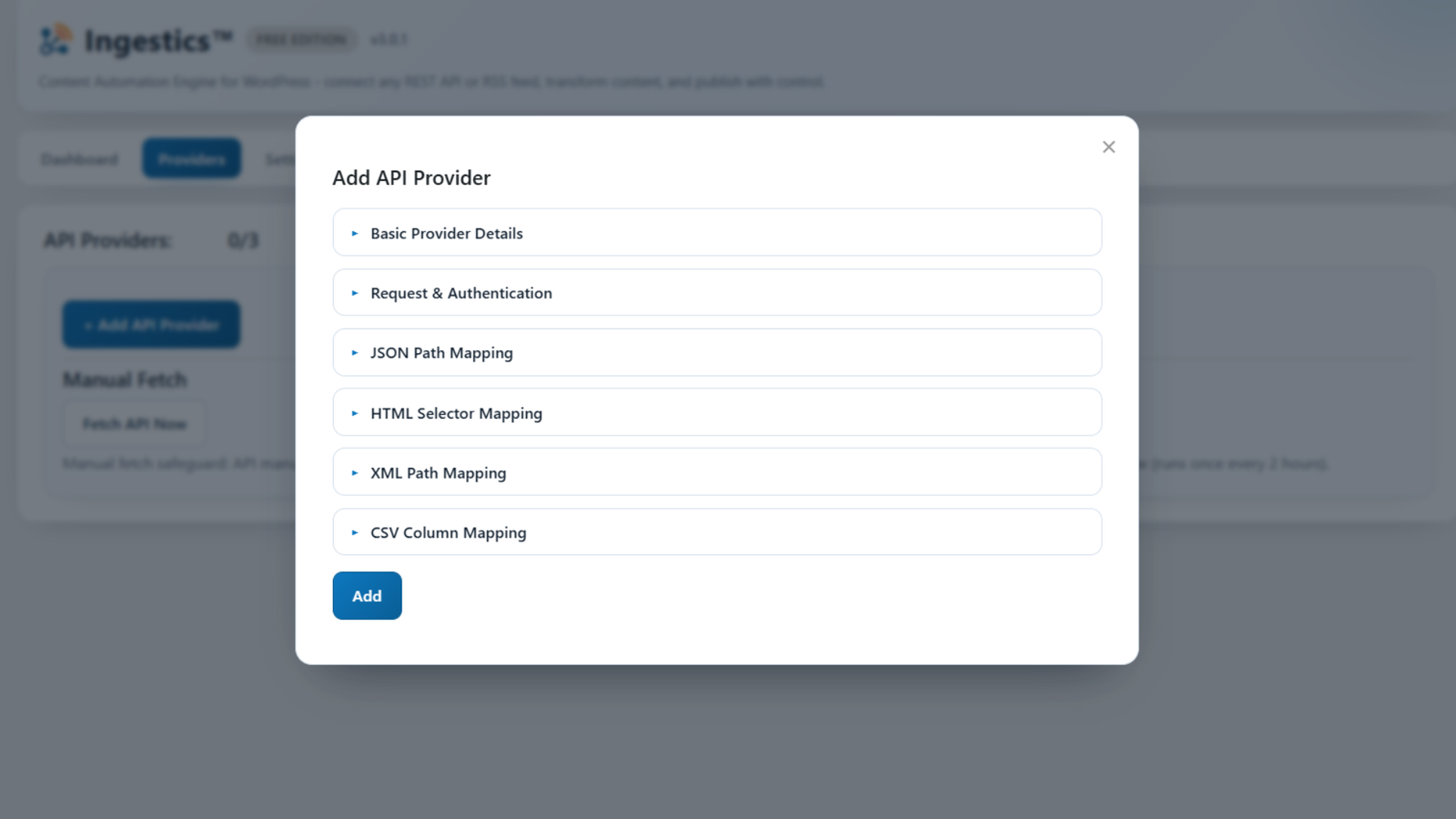
| Feature | Ingestics | WP All Import |
|---|---|---|
| API + RSS in one workflow | Yes | No, import/export workflow is the core positioning |
| Focused REST API provider setup | Yes | Not primary positioning |
| GET, POST, PUT, PATCH, DELETE methods | Yes | Not presented as a central import workflow |
| API key, bearer, and basic authentication | Yes | Not a simple API auth-mode workflow |
| Custom request headers and body | Yes | Not highlighted as a central request builder |
| RSS/Atom feed ingestion | Yes | Not positioned as RSS provider automation |
| JSON source support | Yes | Not emphasized in reviewed public positioning |
| XML source support | Yes | Yes |
| CSV source support | Yes | Yes |
| Google Sheets support | Google Sheets share/edit URLs can be normalized to CSV export endpoints | Yes |
| HTML/text source handling | Yes | Not the primary import-file positioning |
| Drag-and-drop file mapping | Provider mapping workflow | Yes |
| API/RSS response preview | Yes | Previews mapped file records rather than live API/RSS request responses |
| Import preview before running | Preview tools for API/RSS providers | Yes, admin and frontend |
| Duplicate protection | Yes | Matching and update logic |
| Activity log / operational counts | Yes | Import history/results available through import management workflow |
| Source attribution controls | Yes | Can map source fields if present in import data |
| Category and taxonomy mapping | Provider-level categories and tags from Lite upward | Yes, taxonomy import support |
| Custom field imports | Mapping/enrichment by workflow and tier | Yes |
| WooCommerce product import | Business adapters and product/feed workflows by tier | Yes |
| Image importing | Featured image sideload support | Yes |
| Scheduled runs | Yes, by tier | Yes, via Scheduling service or manual |
| Inbound webhooks / event triggers | Yes, Pro/Business | Not highlighted as import core positioning |
| Frontend shortcode output | Yes | Not core positioning |
| Gutenberg block | Yes | Can import Gutenberg block content, but not positioned as frontend display block |
| Grid layout | Yes, Lite+ | Theme/template dependent |
| Carousel layout | Yes, Pro | Theme/template dependent |
| Ticker layout | Yes, Business | Theme/template dependent |
| Elementor/Bricks/page-builder widgets | Yes, Pro+ | Not highlighted as a primary import feature |
What is the practical difference for buyers?
WP All Import is mainly useful when the buyer has a known file or dataset and wants to put it into WordPress correctly.
Ingestics is excellent when the buyer wants WordPress to keep working with live external sources. APIs and RSS feeds are not just files to import once. They are ongoing providers. They may require authentication, request configuration, response previews, field mapping, schedules, filters, source attribution, duplicate protection, logs, webhooks, and frontend output.
That is the practical reason to choose Ingestics. It gives teams a focused operational layer for external content, rather than asking them to treat every live source like a file-import job.
What is the WP All Import tradeoff?
WP All Import can make sense when the project is centered on structured files or migration-style data.
The tradeoff is that WP All Import is not primarily an API/RSS publishing and frontend display product. If the project depends on live API endpoints, RSS providers, source attribution, provider logs, webhooks, and frontend layouts, Ingestics gives a cleaner path.
When is Ingestics the better fit?
You need APIs, not just files
Ingestics supports REST API providers with methods, auth modes, headers, body support, response previews, mapping, and publishing controls.
You publish from feeds continuously
RSS/Atom providers, previews, full-text extraction by tier, source attribution, scheduling, and duplicate checks make Ingestics a better fit for feed operations.
You need operational visibility
Activity logs, request previews, filtered/duplicate/error counts, and source attribution help teams run automation with confidence.
You also need frontend output
Ingestics can publish native content and display imported output through shortcodes, template tags, a Gutenberg block, grids, carousel, ticker, and page-builder options by tier.
How do file imports compare with live automation?
A file import starts with a dataset: a CSV, XML file, Excel file, Google Sheet, product catalog, user list, or migration export. The goal is to map that data into WordPress accurately, and possibly re-run the import later for updates.
Live automation starts with providers: REST APIs, RSS feeds, authenticated endpoints, publisher feeds, partner feeds, and external data sources that continue changing. The goal is not only to import, but to keep fetching, previewing, transforming, publishing, logging, and displaying external content over time.
That is where Ingestics is the more natural fit. It is built for the ongoing provider workflow, not just the structured import moment.
What is the bottom line?
WP All Import is an option for structured imports, exports, migrations, WooCommerce catalogs, Google Sheets data, custom fields, taxonomies, images, bulk edits, and recurring file-based updates.
Ingestics is the better fit when the site needs a live API + RSS automation layer inside WordPress. It focuses on provider setup, request/response previews, field mapping, content quality controls, source attribution, activity logs, scheduling, webhooks, and frontend display options. If your project is an API and RSS publishing operation, Ingestics is the sharper and more purpose-built choice.
How does Ingestics pricing work?
Ingestics has a Free tier, with Lite, Pro, and Business plans for teams that need more scheduling control, data mapping options, AI capabilities, and automation features. Visit the plans page for current prices and full feature limits.
- Free: Start with the core import workflow.
- Lite: Add scheduled publishing and provider presets.
- Pro: Add advanced mapping and automation controls.
- Business: Add AI rewrite and translation capabilities.
Compare plans and current pricing
How can you build your API and RSS workflow inside WordPress?
Ingestics helps you fetch from REST APIs and RSS feeds, preview responses, map fields, protect content quality, publish native WordPress content, and display results through practical frontend options without relying on a stack of separate tools.